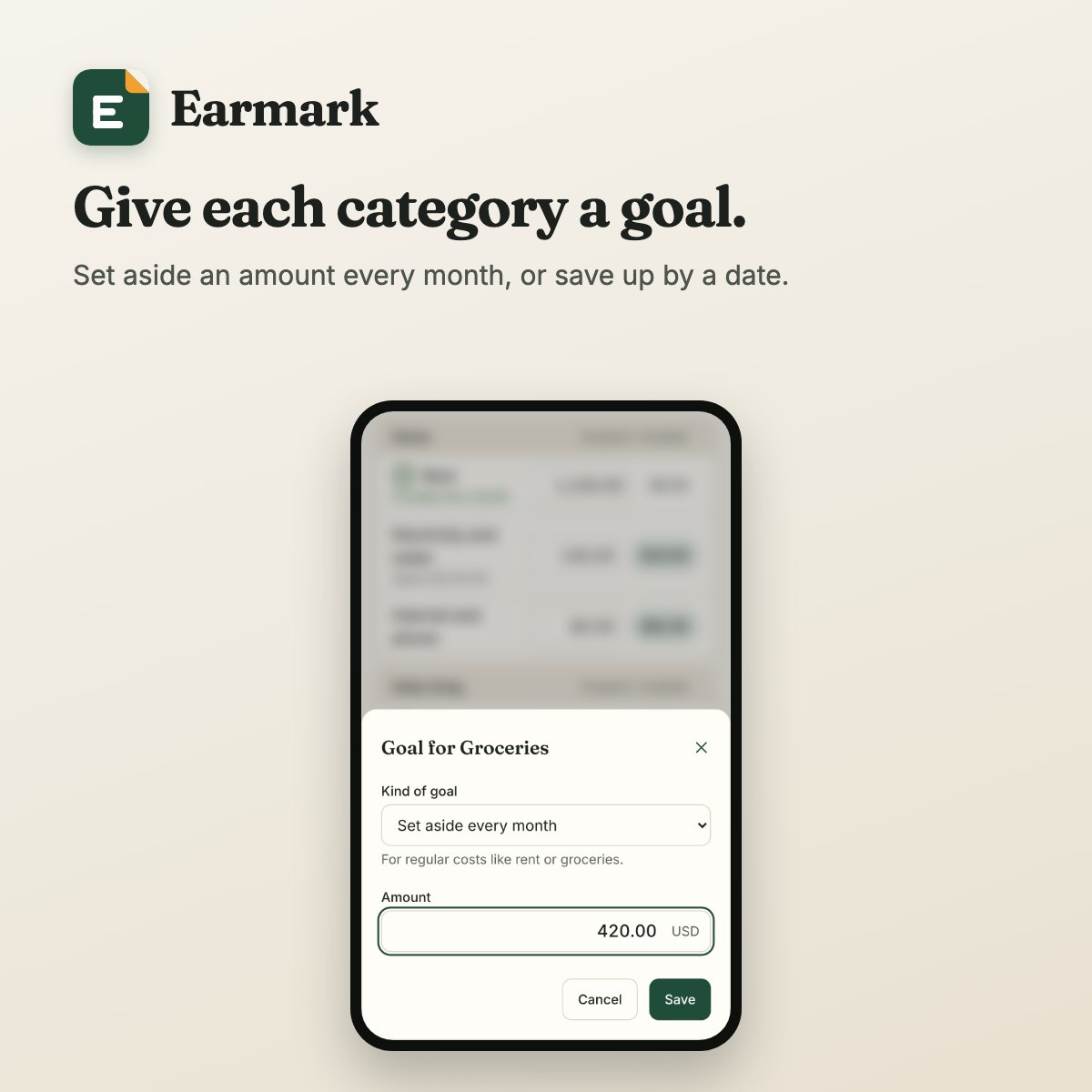
A goal for each category
Set aside an amount every month, or save up for something by a date. Earmark tells you how much each goal still needs, and one button funds them all.
Earmark is a calm, private budget. When money arrives, you set it aside for rent, groceries, the fees due in June, the holiday you are saving for. From then on you always know what is safe to spend.
No card and no account to try it. It opens right in your browser.
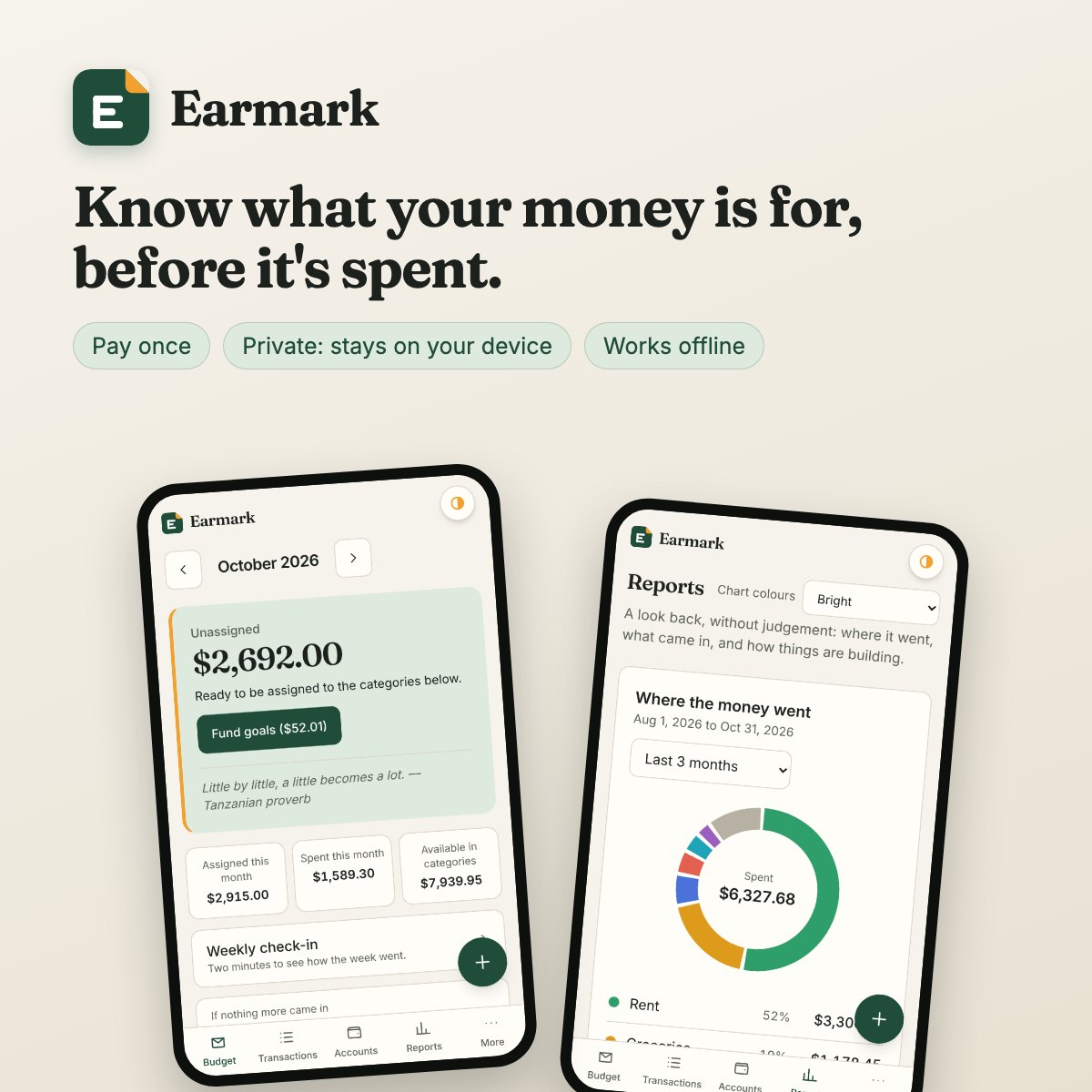
One price, no subscription. Your licence covers three of your devices and every update to this version.
Your budget is stored on your own phone or computer, and we cannot see it. No bank login, no adverts, no tracking.
Use it in any modern browser, or add it to your home screen and it opens like an app, with or without a connection.
Set aside an amount every month, or save up for something by a date. Earmark tells you how much each goal still needs, and one button funds them all.
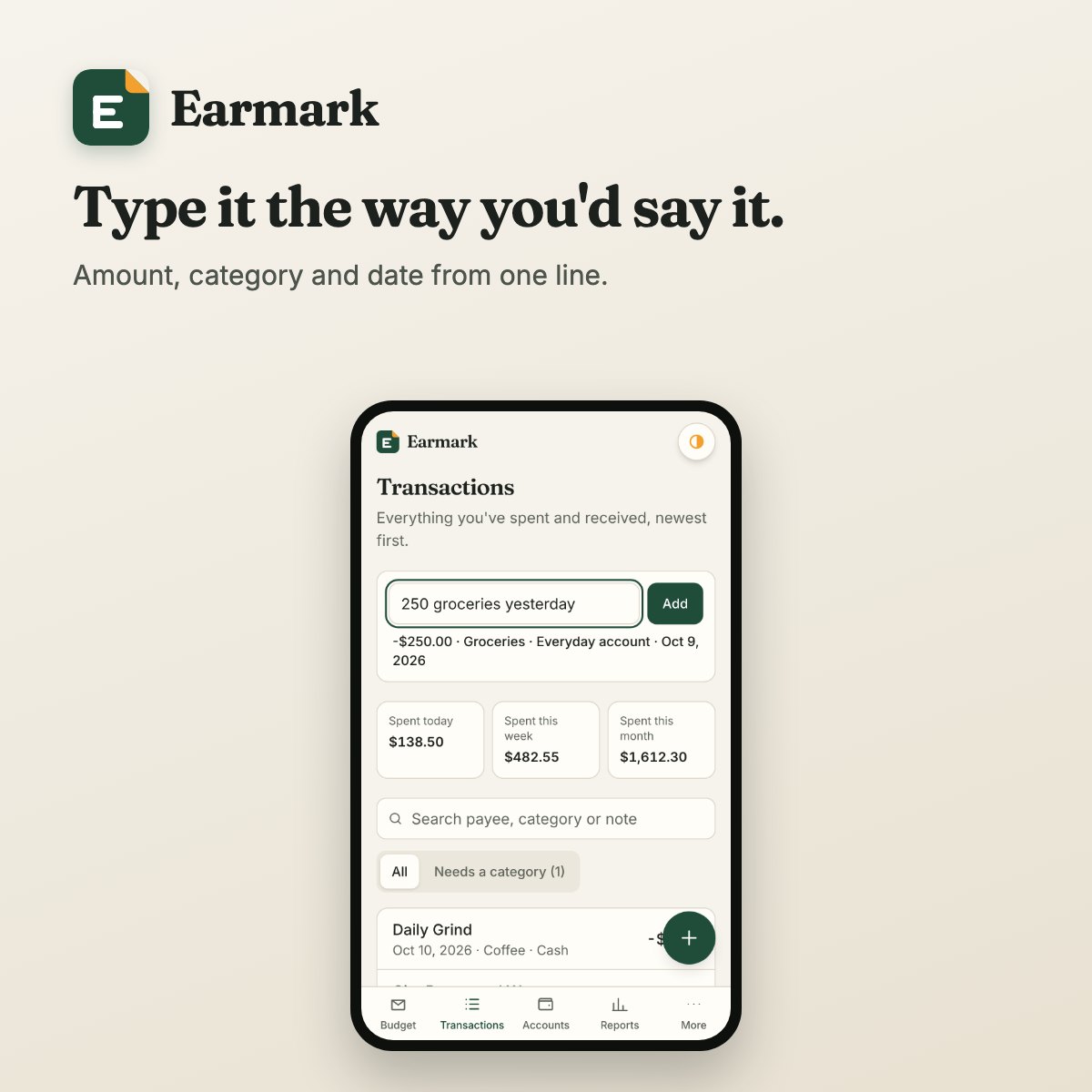
Write “250 groceries yesterday” and the amount, category and date are filled in. You can also paste a bank alert message and let Earmark read it.
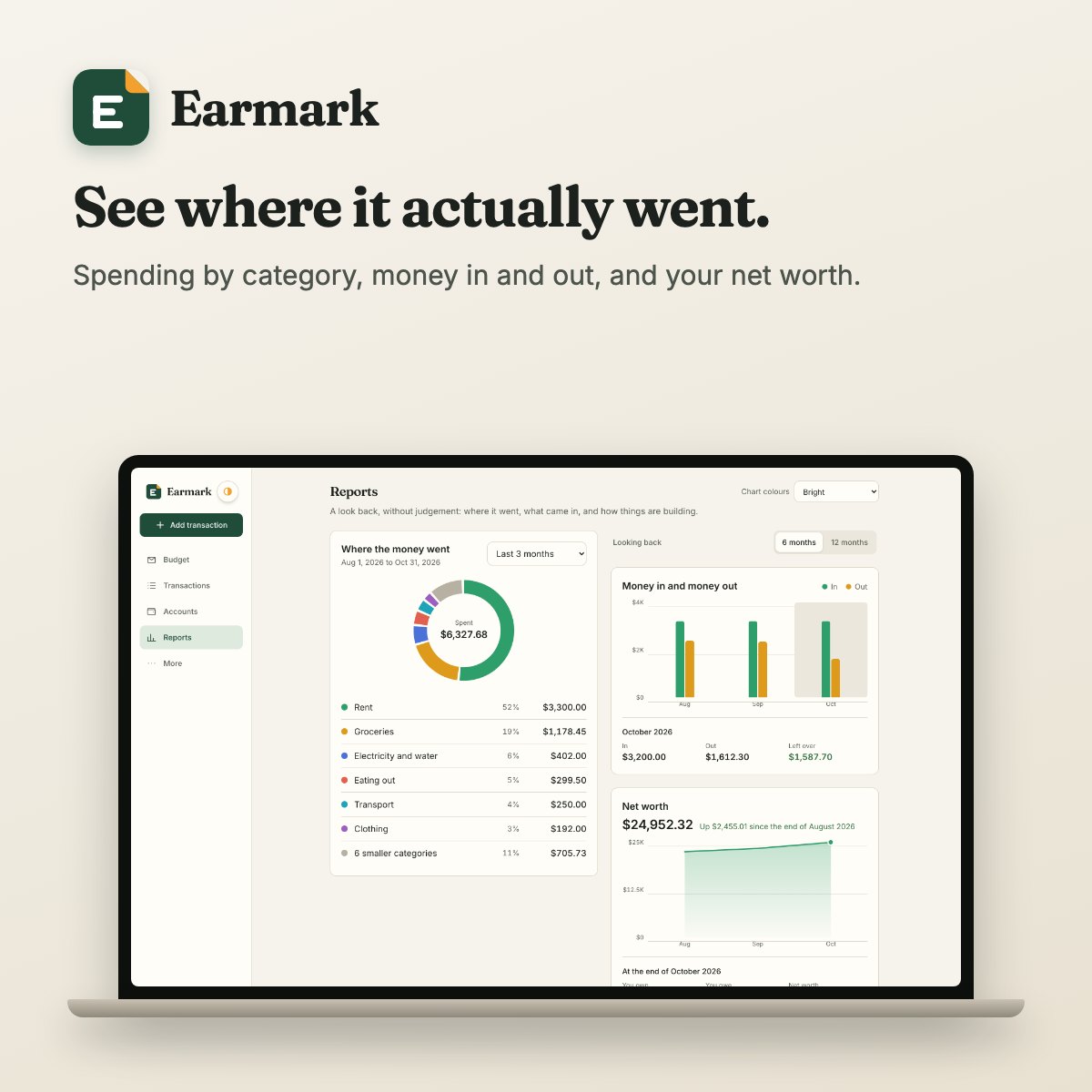
Spending by category, money in against money out, your net worth over time, and how long your money would last if nothing more came in.
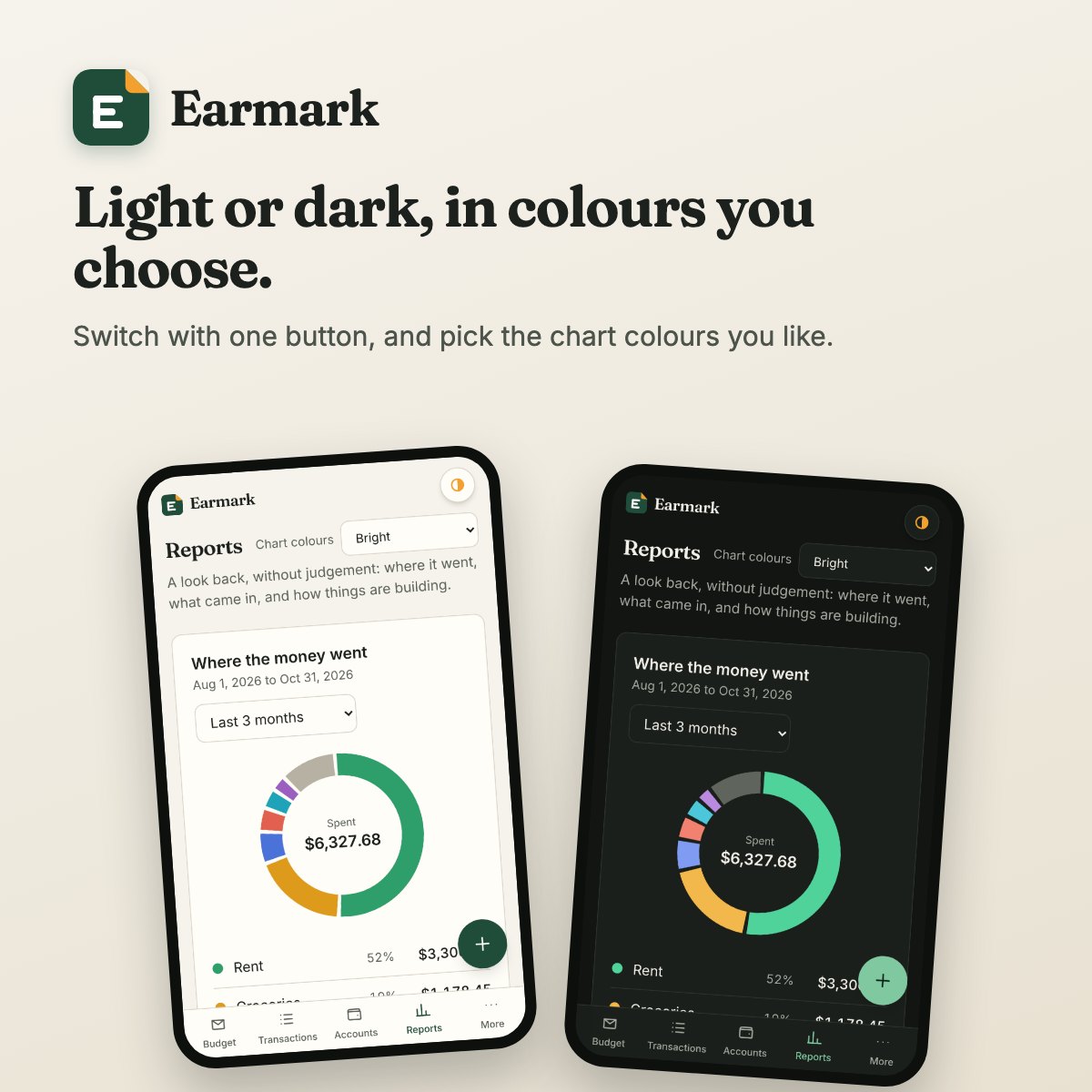
One button switches between light and dark, or lets Earmark follow your device. The charts come in four sets of colours, one of them made to be easy to tell apart.
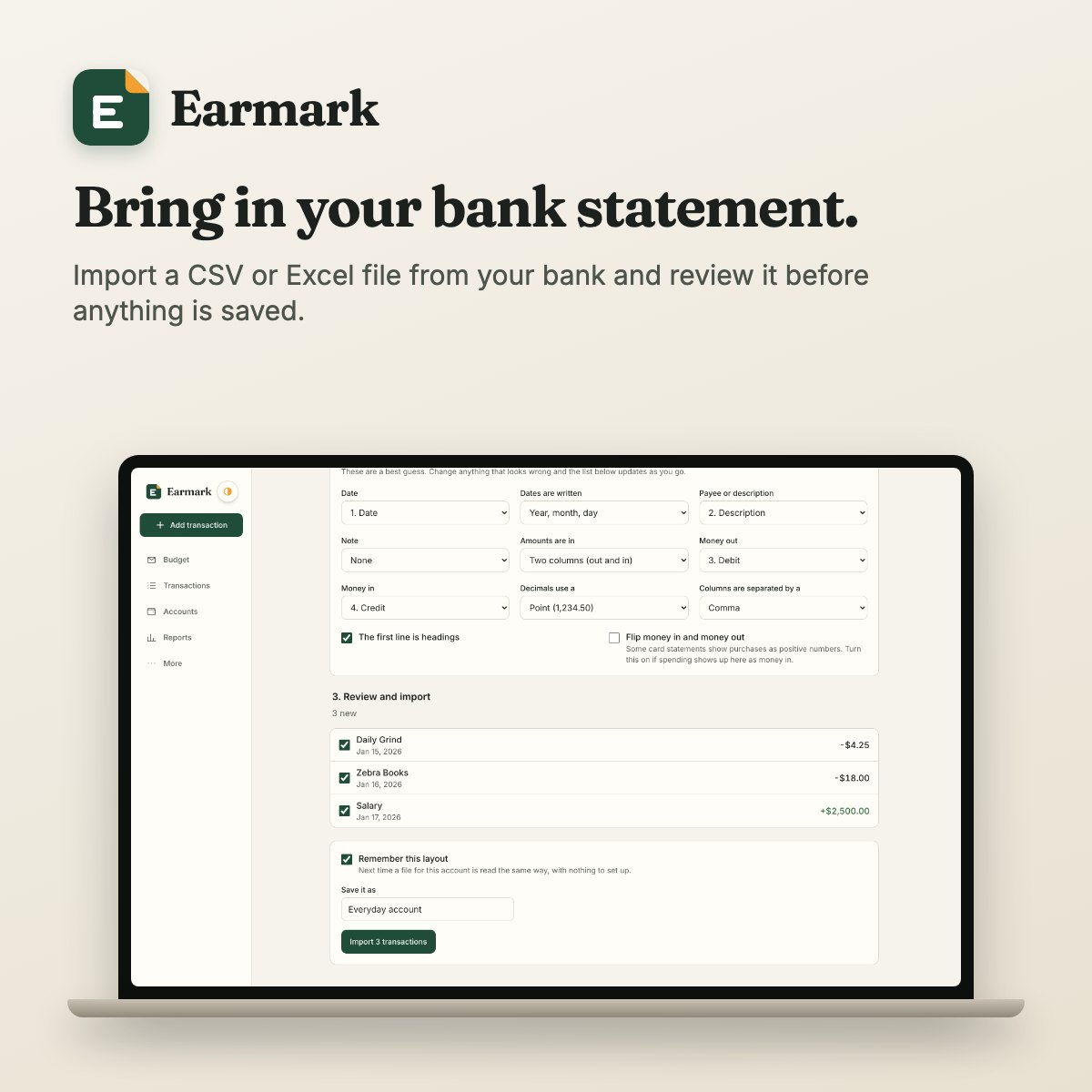
Import the CSV or Excel file your bank gives you. You review every line before anything is saved, and entries you already have are spotted for you.
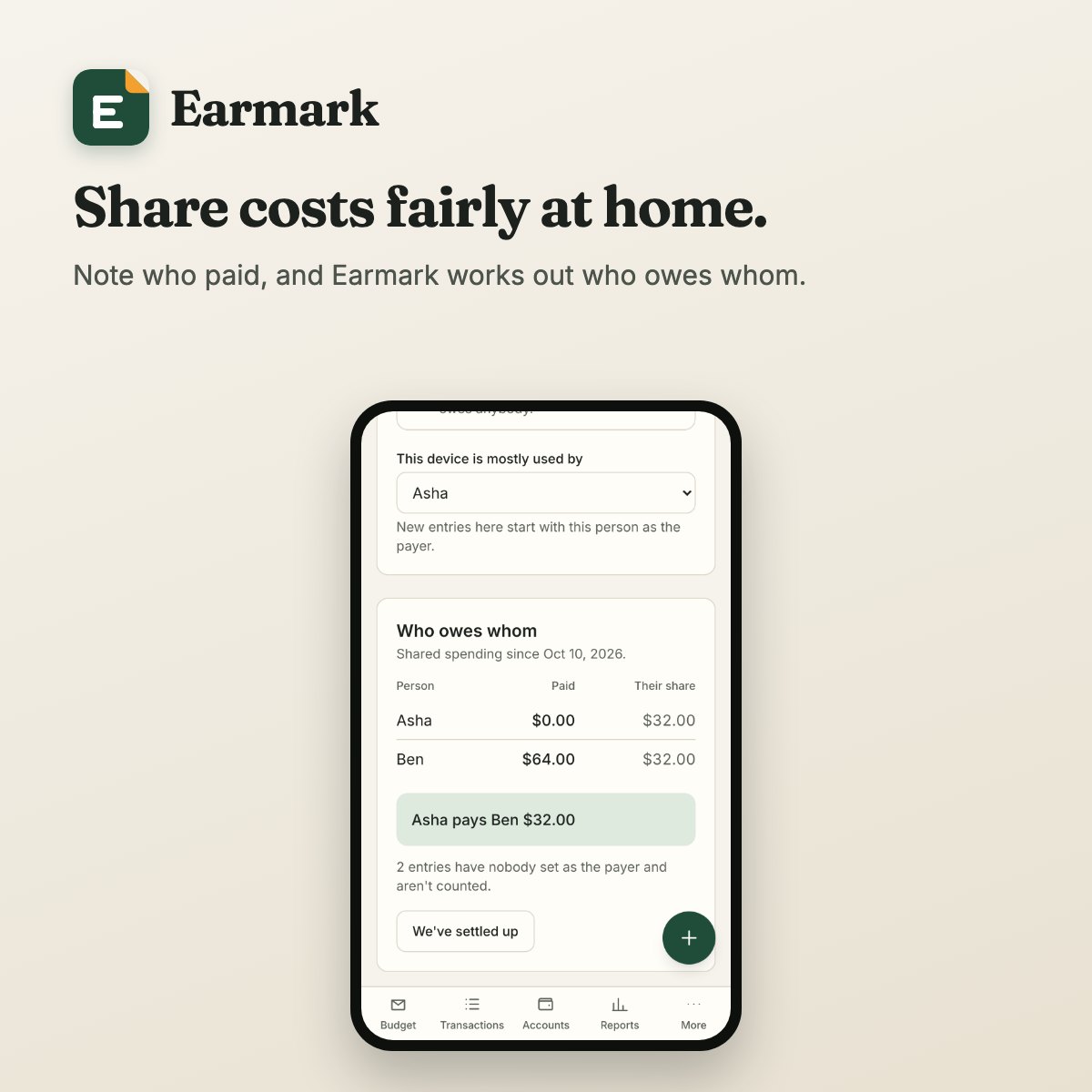
Note who paid. Split equally, by shares you choose, or not at all, and Earmark works out who owes whom.
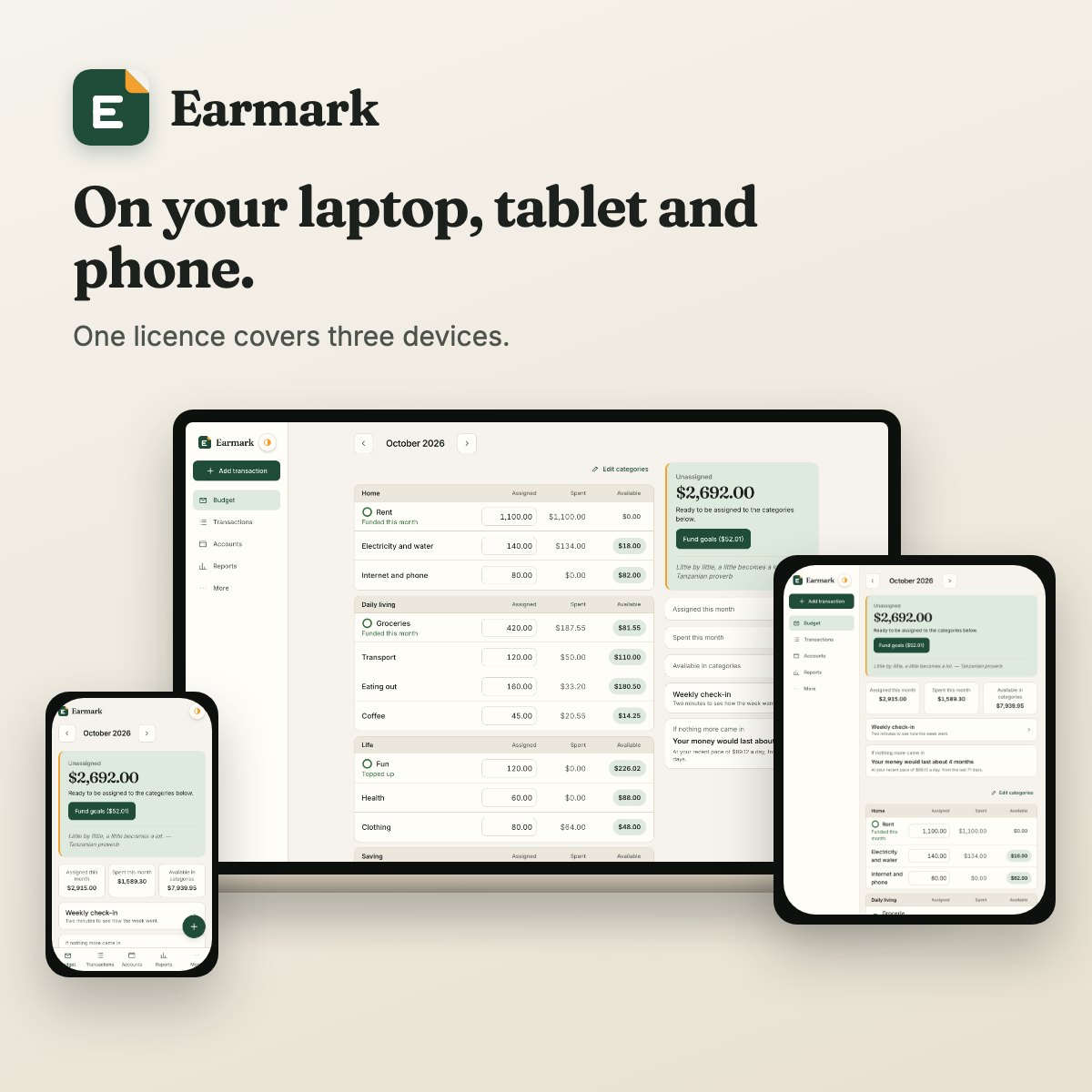
Room to plan on a big screen, quick to update on a small one. Move your budget between devices with a password-protected file that only you hold, or add Device Sync and they keep in step automatically.
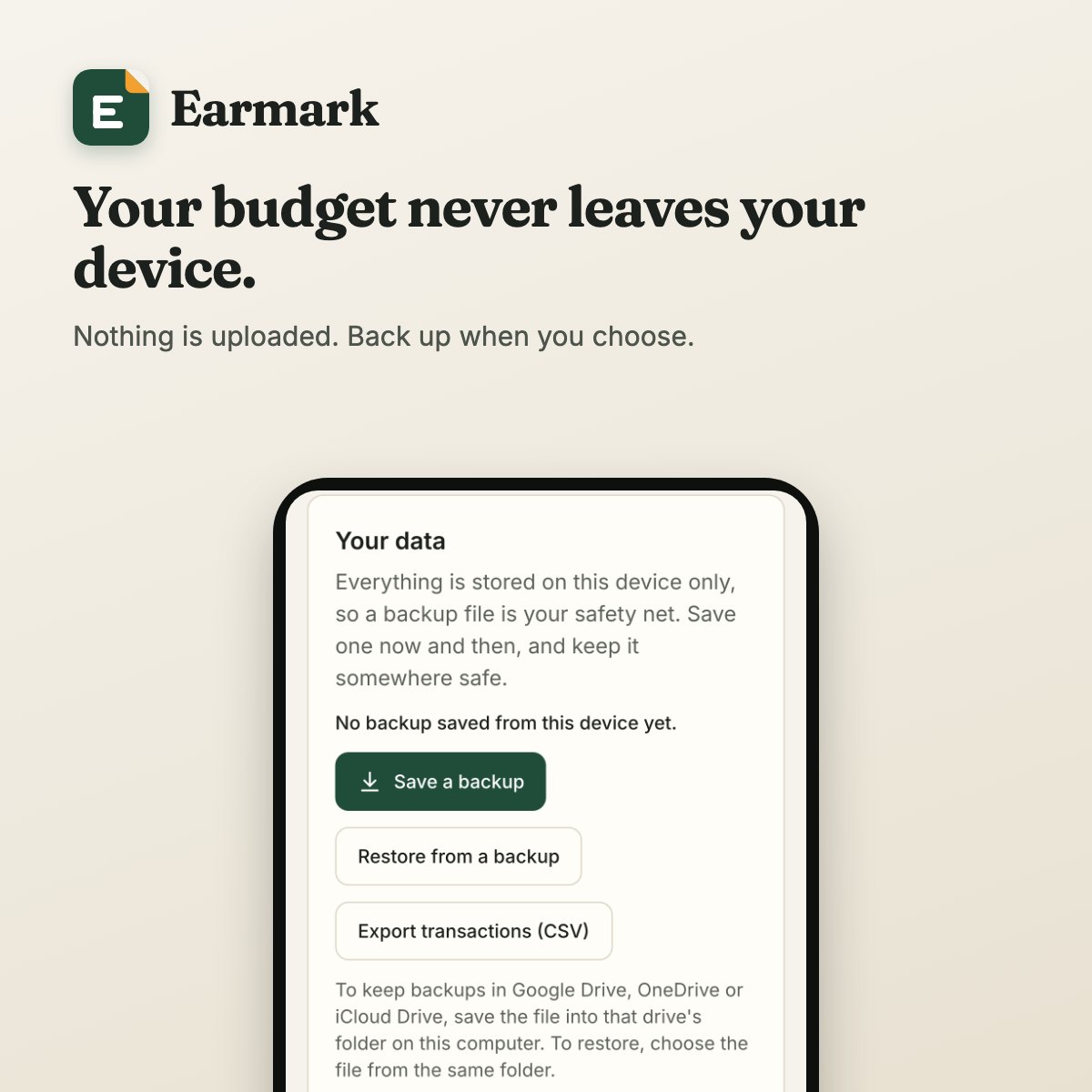
Back up to a file whenever you like and keep it where you choose: your own cloud drive, a USB stick, or your email. Restore it on any device.
Any currency, with lakh and crore formatting where that is how you count. Your own financial year. Budget months that can start on your payday. Ready-made lists of things to save for, suited to your country.
$19.99₹1,699 $24.99₹2,099
Launch price, paid once.
A confirmation email arrives a few minutes after payment. You unlock the app with the email address you paid with.
No, on purpose. You type entries in, paste a bank alert, or import a statement file. Earmark never asks for a bank login.
Only on the device you use it on. Nothing is uploaded unless you add Device Sync and turn it on, and then it is locked with your own password first. That also means backups are yours to make; the app reminds you and makes it a single tap.
Open the app and start. The first three days need nothing at all. To carry on for the rest of the 30 days, you enter an email address and the code we send to it.
There is nothing to download. Open the app, go to More, type the email address you paid with, and enter the six-digit code we send to it. Whatever you set up during the trial stays as it is.
Sign in on the new one with the same email address. The licence screen lists your devices, so you can remove the old one from any of the others, even if it is lost or broken. Your licence covers three devices at a time.
Each device keeps its own copy of your budget. You can carry it between them for free with a password-protected file, whenever you like. Or add Device Sync, an optional one-year pass, and they stay in step automatically. Either way, nobody but you can read your budget.
Any phone, tablet or computer with an up-to-date browser: Chrome, Safari, Edge or Firefox.